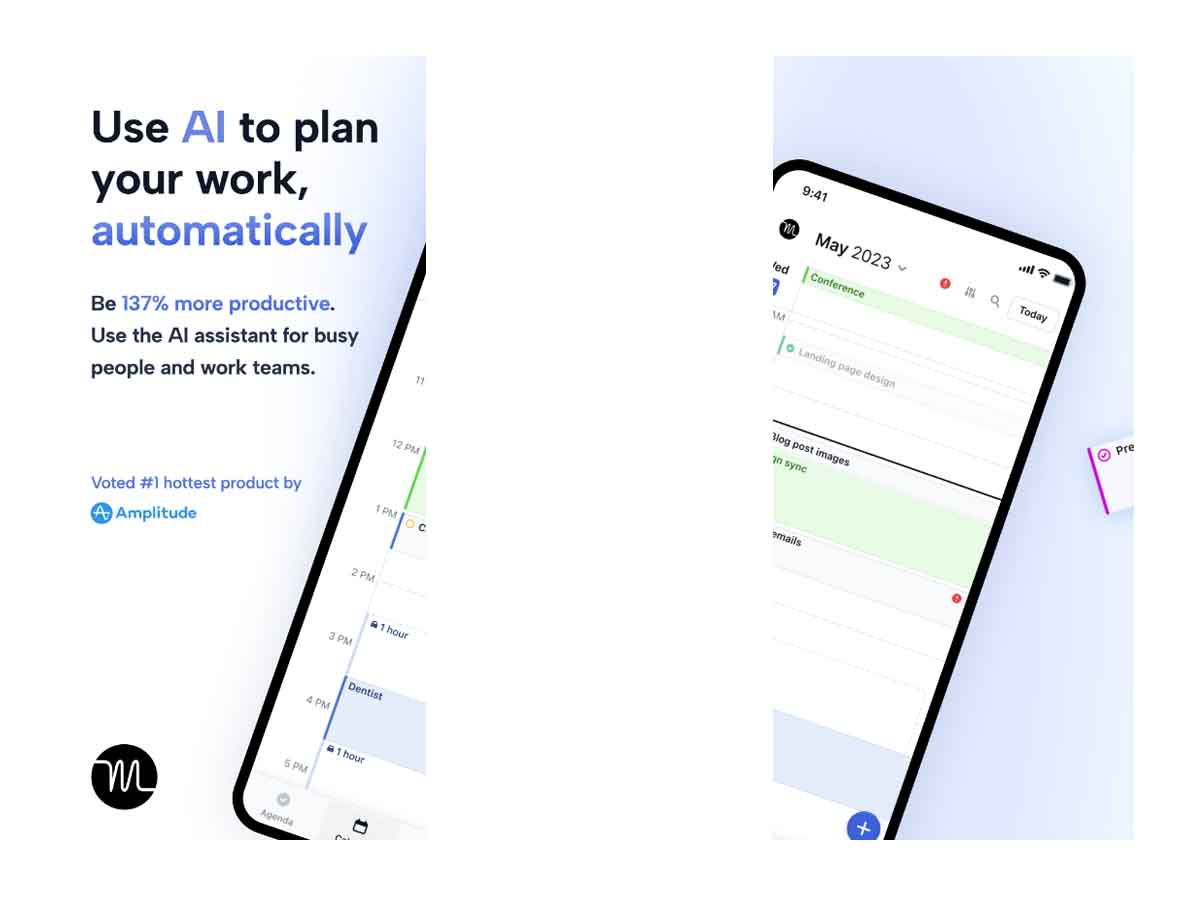
Looking for a smart way to plan your daily tasks and meetings? In this Motion App Review, we will break down everything you need to know about this AI-powered productivity app – including features, pricing, pros and cons, and whether it’s safe to use.
What is Motion App?
Motion is an all-in-one productivity tool that uses artificial intelligence (AI) to automatically schedule your calendar, organize tasks, and manage meetings. It helps you stay focused, save time, and meet deadlines with less stress.
It works on web browsers, desktops, and mobile devices, making it ideal for both individuals and teams.
Key Features of Motion
- AI-Powered Smart Scheduling : Automatically plans your day by rearranging tasks around meetings and deadlines.
- Calendar Integration : Works with Google Calendar, Outlook, and Apple Calendar.
- Task & Project Management : Supports lists, Kanban boards, and progress tracking.
- Meeting Booking Tool : Share links for easy scheduling with clients or teammates.
- Productivity Reports : Tracks your time and helps identify distractions or overwork.
Is Motion App Safe or Not?
Yes, Motion is safe to use. Here’s why:
- Data Encryption : Your data is encrypted during transmission and storage.
- Secure Cloud Infrastructure : Motion uses trusted cloud providers with high security standards.
- Privacy Policy Transparency : The company clearly outlines what data it collects and how it’s used.
- No Selling of User Data : Motion does not sell user data to third parties.
However, like any cloud-based productivity app, always use a strong password and enable two-factor authentication (2FA) if available.
Bottom line: Motion is a secure and trusted app for professionals and businesses.
Motion App Pros
- Powerful AI auto-scheduling
- Combines calendar, tasks, and meeting tools
- Great for professionals and teams
- Helps avoid missed deadlines and task overload
- Clean and modern user interface
Motion App Cons
- No forever-free plan
- Takes time to set up effectively
- Mobile version has limited functionality
- Pricier than basic to-do apps
What Users Are Saying
Many users say Motion has changed the way they work:
- Motion feels like having a smart assistant who reschedules my day whenever things change. It’s a game-changer.
Others love how it reduces decision fatigue by removing the guesswork of what to do next.
Conclusion
In our Motion App Review, we found that this app is one of the smartest productivity tools available. It combines powerful features like AI scheduling, calendar sync, task management, and meeting booking – all in one clean interface.
While it is not the cheapest option, if you’re serious about getting things done efficiently, Motion is definitely worth trying.
Motion App Review – FAQs
Is Motion App free?
No, but it offers a 7-day free trial with no credit card needed.
Does it work offline?
Limited offline features; best used online for real-time scheduling.
Can Motion replace Google Calendar or Asana?
Yes, it combines the functionality of calendars and task managers.
Is it safe to store personal and work data in Motion?
Yes, Motion uses encryption and does not sell your data.
Does Motion work for teams?
Yes, it offers shared calendars, task views, and performance dashboards.

